SCAD Share help
Review a drawing in your browser: look at the sheets, mark them up, comment, and follow each revision until it is signed off. No account, no install.
Do you use SCAD Re-Event? Read For publishers to learn how to publish layouts from your drawing and share a review link.
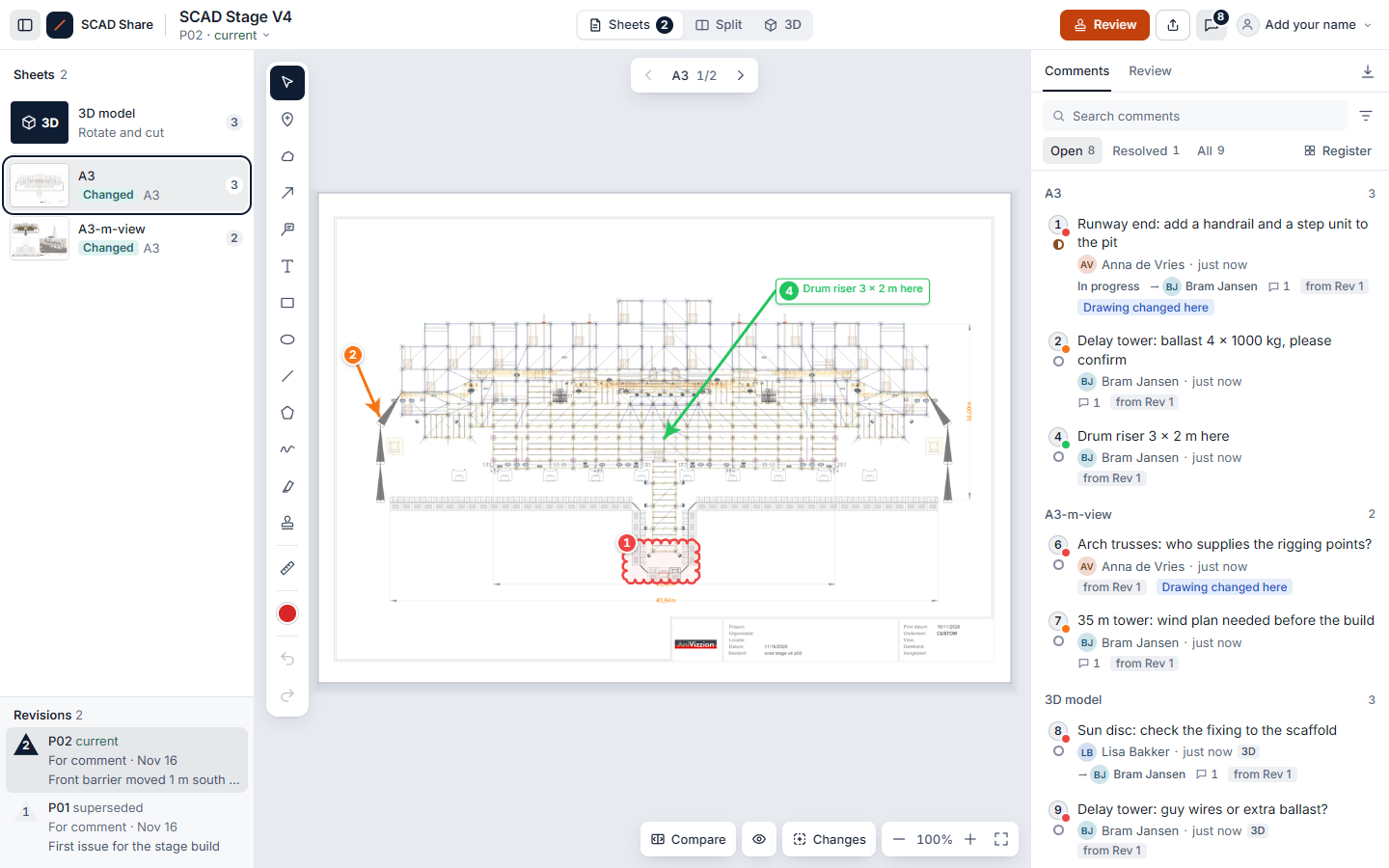
A CAD publisher sends you a review link. The link opens the drawing as sheets and, when the publisher included it, an interactive 3D model. This help covers the web app you get from that link. The app is available in English and Dutch (choose the language in the name menu).
Open your linkLook around, add your name when you first write, and find your way.
Sheets & revisionsSwitch sheets and revisions, zoom, and why a revision is superseded.
Markup toolsComment, cloud, arrow, callout, highlighter, stamps, and measuring.
Comments & workflowFind, assign, resolve and export comments.
Review & sign-offGive your decision, follow the reviewers, close the round.
Issue registerEvery comment of all revisions in one table.
Replies, mentions & emailDiscuss a comment and get notified.
Revisions: compare & carrySee what changed and bring open comments to the new revision.
3D viewOrbit, select, measure, section, filter, comment.
Sharing & owner toolsInvite people, set access, hand over the project.
Phone & tabletThe same review on a small screen.
Your dataWhat is stored, for how long, and how to delete it.
TroubleshootingLink messages and what they mean.
For publishersHow the link is made from SCAD Re-Event.
Good to know
- You can read without a name. The app asks What name should we show? only when you first add a comment, reply or decision. There is no account and no password.
- Sheets are pictures. The CAD file itself never leaves the publisher's computer.
- The link is the key. Anyone with the link can open the review and add a name. The owner can add a passcode, switch the link to Can only look, or invite people by name with a personal link.
- Revisions have codes. A revision is named like P01 or P02 (or Rev 2). Only the current revision can be changed. Older revisions are superseded and read-only.
- Open comments can travel. Open comments can come along to the new revision. Each one keeps its issue number.
- A review ends with a decision. Reviewers approve, approve with comments, or request changes. The owner closes the round and keeps the sign-off record.
- 3D is optional. If the publisher included a 3D model, the link holder can view it and download that geometry.
- Links expire. After the date the page shows This link has expired. The owner can extend the link.