Issue register
One table with every comment of all revisions. Use it in the meeting and to chase open points.
Open it with Register in the Comments panel, I, or Issue register in the name menu. The table covers the whole share. Issue numbers stay the same across revisions.
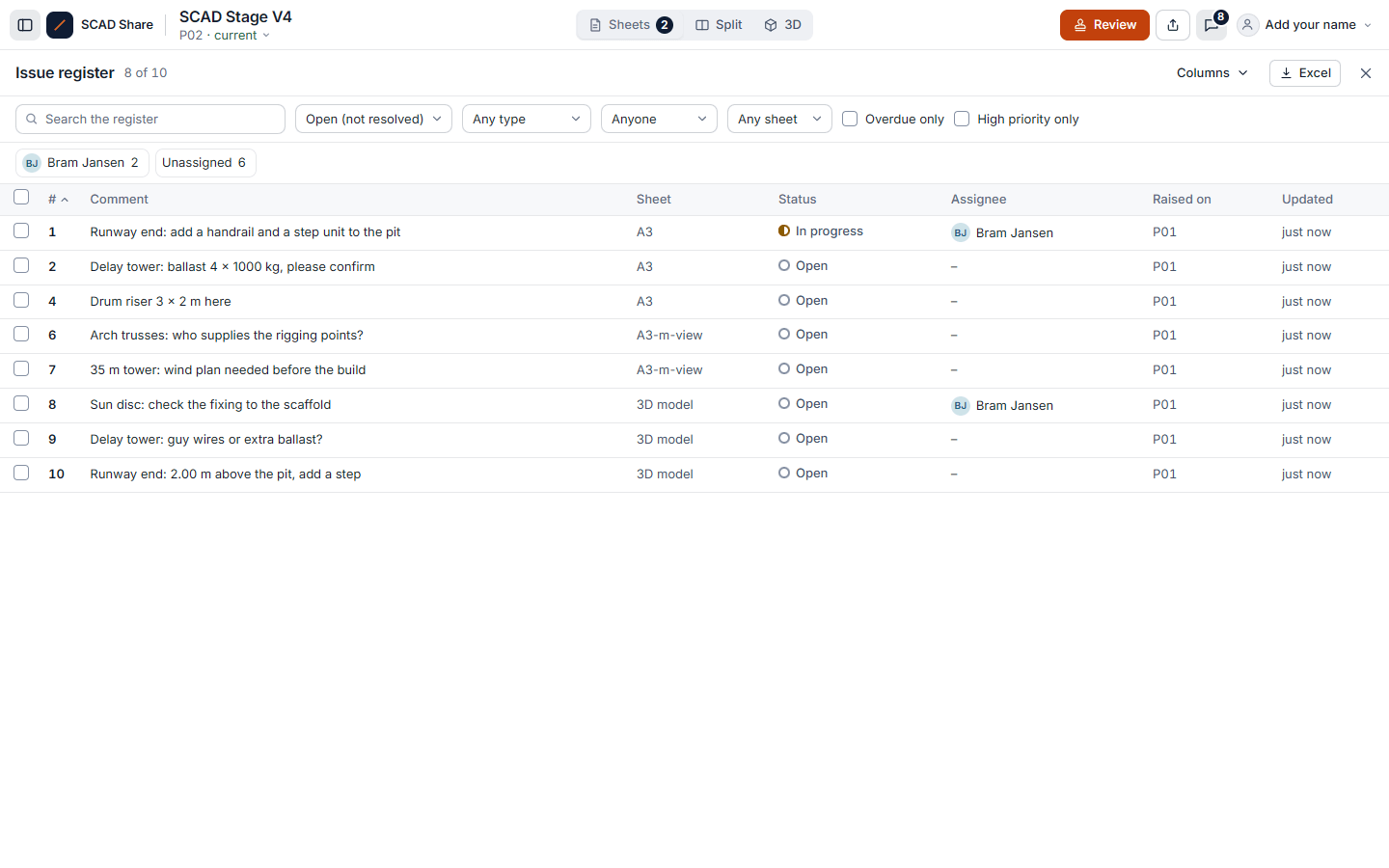
- The header shows n of total, Columns and Excel (it exports the rows you see). Close it with Close the register or Esc.
- Columns on by default: #, Comment, Sheet, Type, Status, Assignee, Due, Raised on, Updated. You can add Drawing, Company, Author, Last on, Closed on and Age. Empty columns hide by themselves.
- Search the register: type
#12to find that number. - Filters: status (including Deleted), type, assignee, sheet, company, Overdue only, High priority only.
- Click a row to open that comment on its revision and sheet.
Who has what
Chips show each person with the open comments and {n} late. The owner gets a Remind button per person. It sends an email or copies a message with the link.
Change many at once
Select rows. A bar shows n selected with Assign to…, Set type…, Set due date…, Resolve, and Carry n here for rows on older revisions. Bulk changes apply to the current revision only.
The owner can restore a Deleted row with Restore.